> ## Documentation Index
> Fetch the complete documentation index at: https://coss-mintlify-7c00cc7c.mintlify.site/llms.txt
> Use this file to discover all available pages before exploring further.
# Adding embed to your webpage
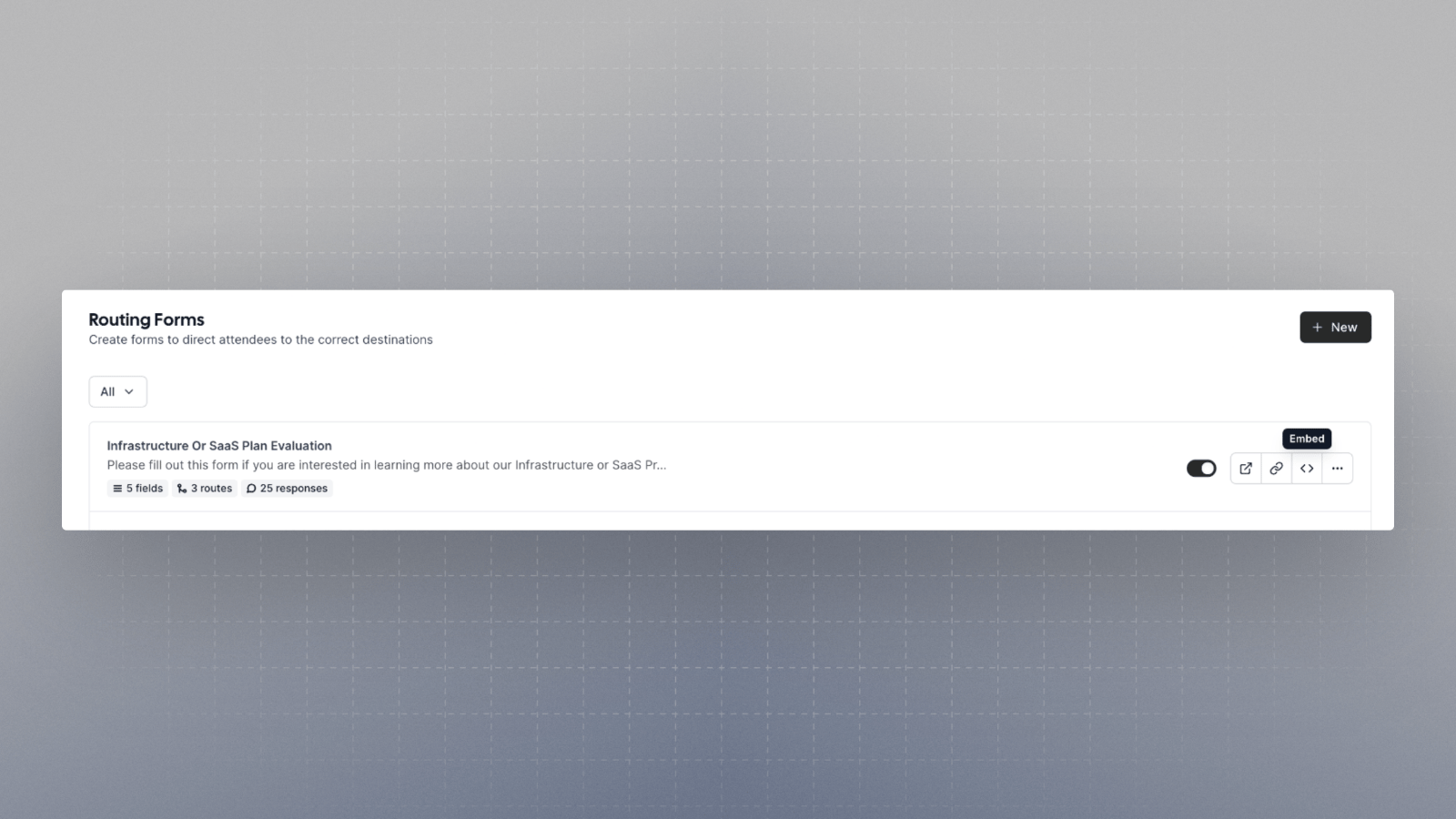
You can get the embed snippet, to install on your webpage, from the Embed Snippet Generator, within the app.
The snippets provided are automatically updated as per the cal.com instance. **So, even when self hosting, you
can simply copy and paste the snippets from there**
There are four ways in which you can embed your [Cal.com](http://Cal.com) event type.
## Inline
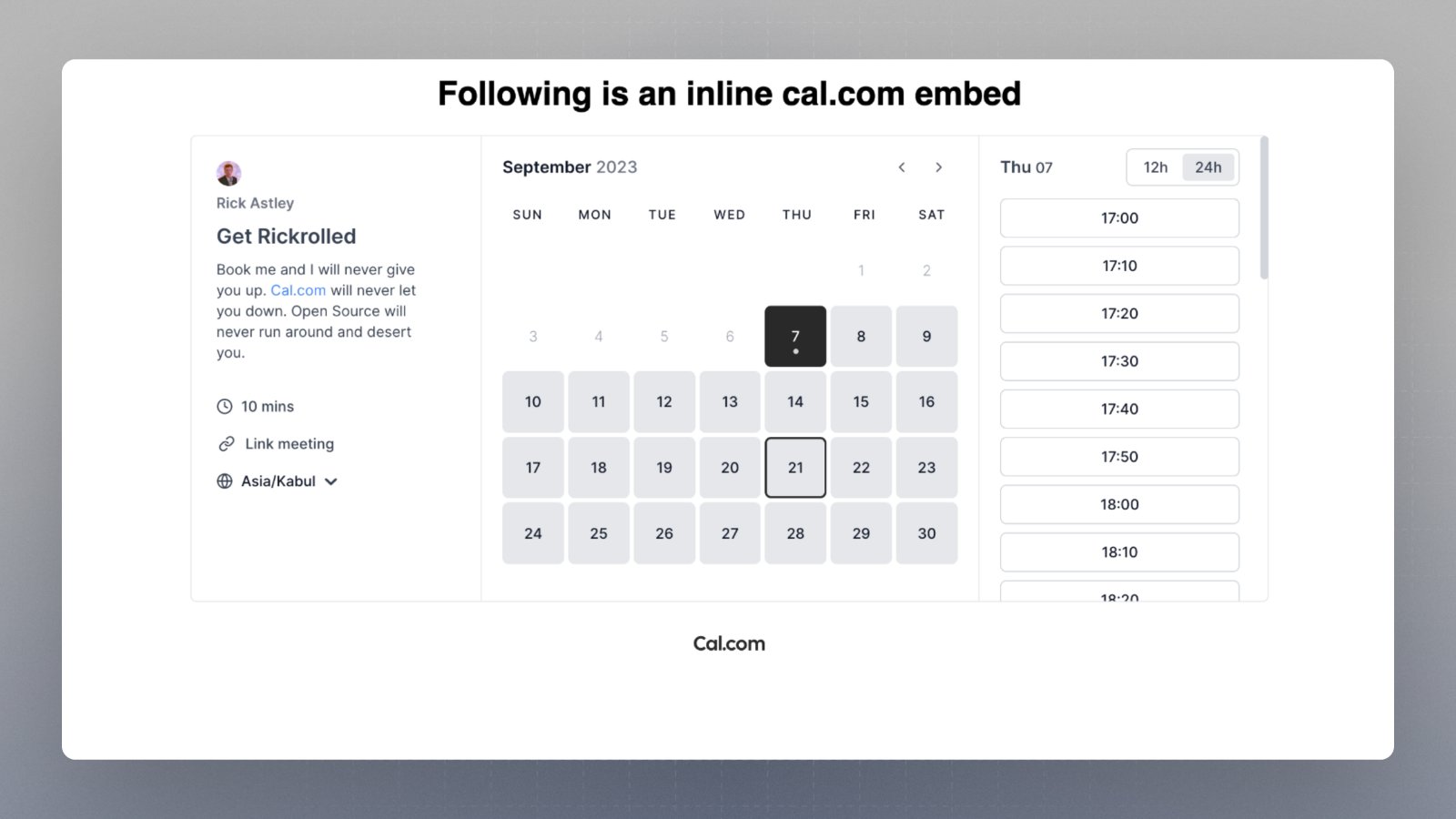
Show the embed inline anywhere on the webpage. It let's you show the embed at a particular place in your webpage.
[CodeSandbox link\[React\]](https://codesandbox.io/s/inline-demo-react-for-docs-xps99g?file=/src/App.js)
[CodeSandbox link\[HTML\]](https://codesandbox.io/s/vanillajs-week-view-inline-y9wgxc?file=/index.html)
## Pop-up via element click
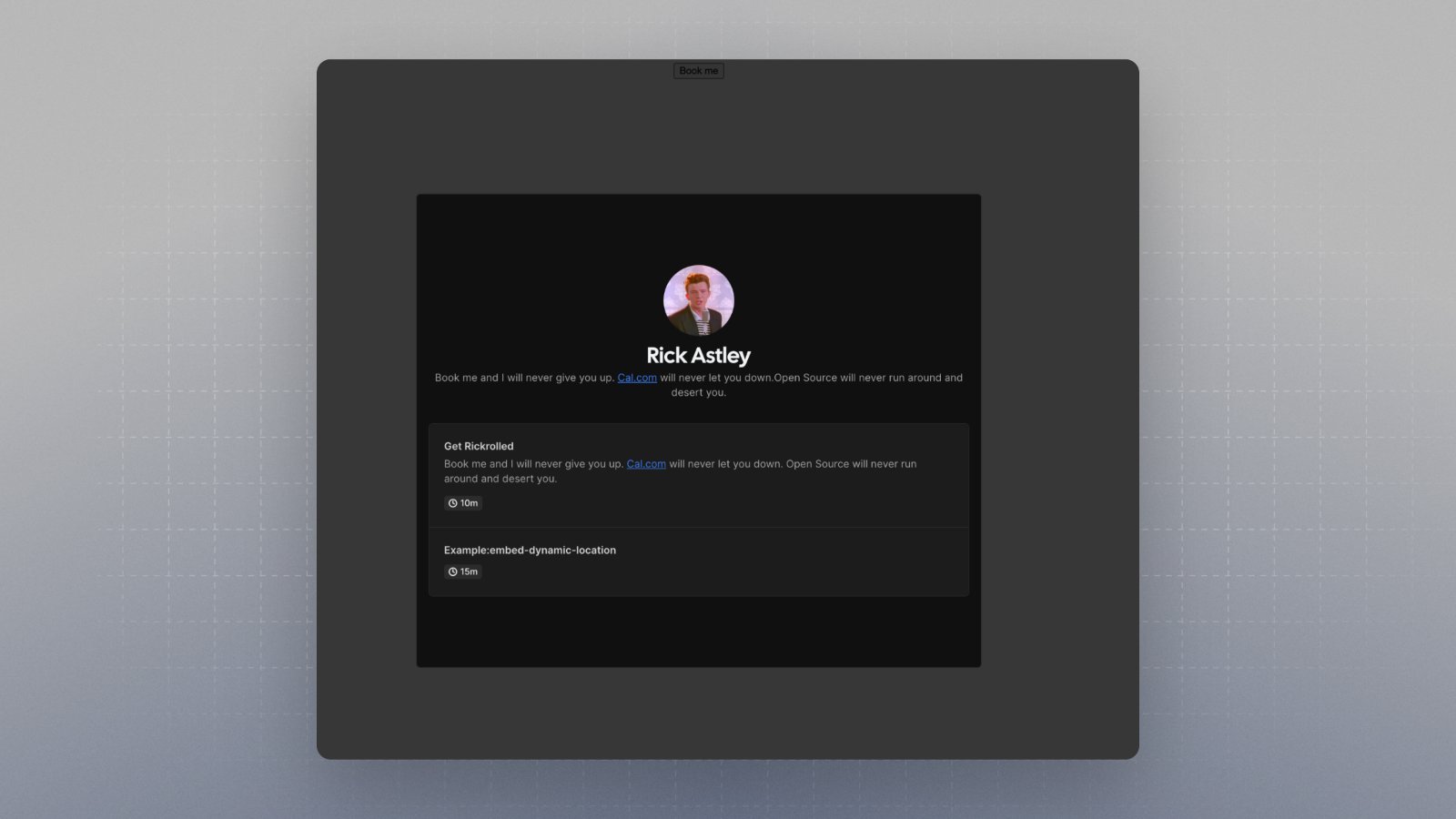
Show the embed, on click of any element on your webpage, in a popup
[CodeSandbox link\[React\]](https://codesandbox.io/s/element-click-popup-h5c5v2?file=/public/index.html)
[CodeSandbox link\[HTML\]](https://codesandbox.io/s/popup-on-click-of-an-existing-element-framework-agnostic-forked-7pl95c?file=/index.html)
## Floating button pop-up
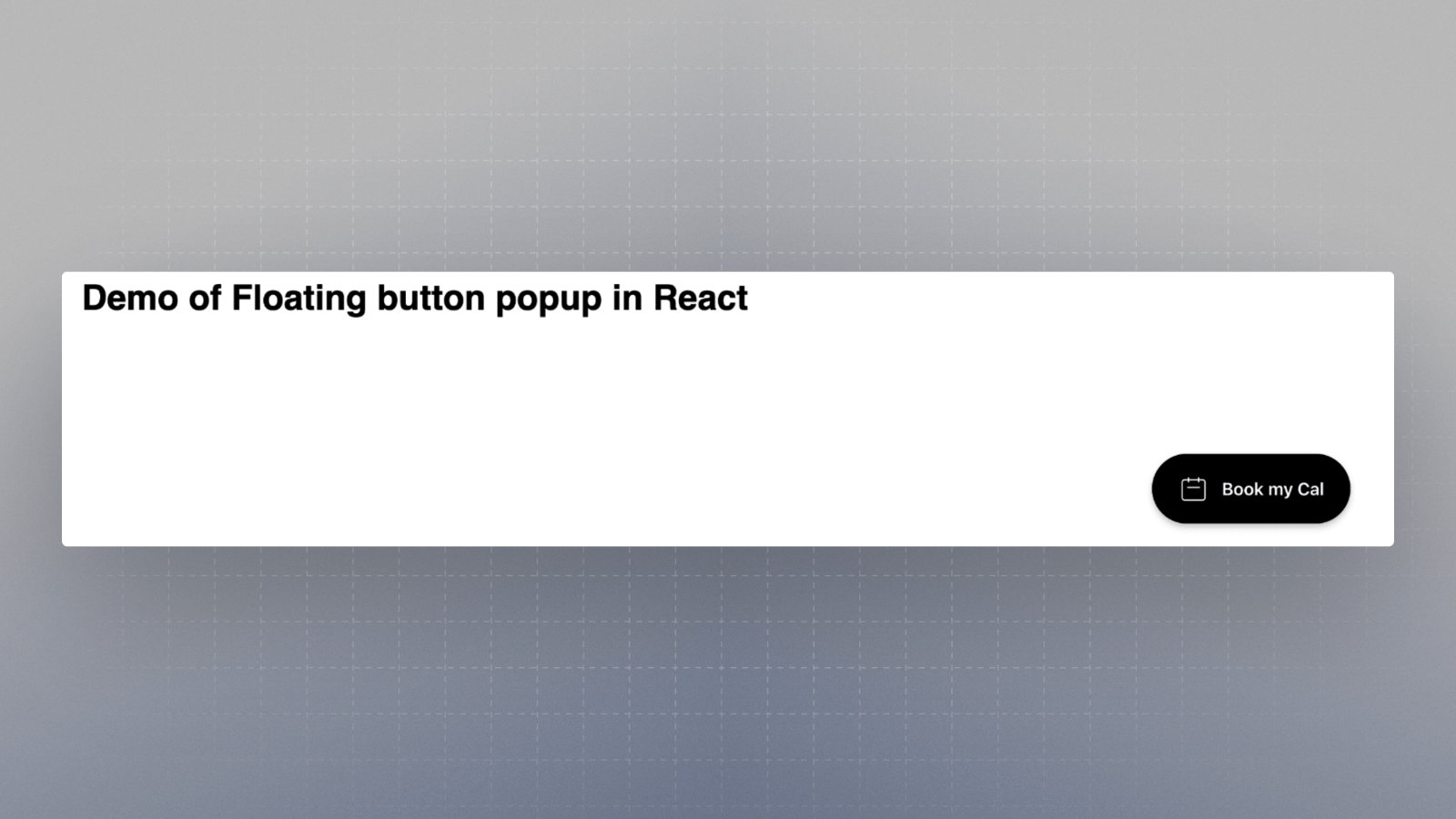
Adds a floating button that can be customized and on clicking that the embed shows up in a popup.
[CodeSandbox link\[React\]](https://codesandbox.io/s/floating-button-popup-react-forked-9y5g95?file=/public/index.html)
[CodeSandbox link\[HTML\]](https://codesandbox.io/s/embed-floating-button-popup-framework-agnostic-mg7339?file=/src/index.js)
## What can you embed?
* You can embed your cal.com link for an event type e.g. `rick/get-rick-rolled`. You can get the snippet from the event-type page.
* You can embed your profile page e.g. rick. For this, you can just update the snippet to replace your cal.com event type link with your username. e.g. `rick/get-rick-rolled => rick`
* You can embed your Routing Form e.g. `forms/YOUR_FORM_ID`. You can get the snippet for that from the Routing Form page.
.png?fit=max&auto=format&n=ETludJPC1DNDjzL-&q=85&s=ad9c79515bf8fd4bdb52f038b5f07f15) ## Inline
Show the embed inline anywhere on the webpage. It let's you show the embed at a particular place in your webpage.
[CodeSandbox link\[React\]](https://codesandbox.io/s/inline-demo-react-for-docs-xps99g?file=/src/App.js)
[CodeSandbox link\[HTML\]](https://codesandbox.io/s/vanillajs-week-view-inline-y9wgxc?file=/index.html)
## Inline
Show the embed inline anywhere on the webpage. It let's you show the embed at a particular place in your webpage.
[CodeSandbox link\[React\]](https://codesandbox.io/s/inline-demo-react-for-docs-xps99g?file=/src/App.js)
[CodeSandbox link\[HTML\]](https://codesandbox.io/s/vanillajs-week-view-inline-y9wgxc?file=/index.html)
 ## Pop-up via element click
Show the embed, on click of any element on your webpage, in a popup
[CodeSandbox link\[React\]](https://codesandbox.io/s/element-click-popup-h5c5v2?file=/public/index.html)
[CodeSandbox link\[HTML\]](https://codesandbox.io/s/popup-on-click-of-an-existing-element-framework-agnostic-forked-7pl95c?file=/index.html)
## Pop-up via element click
Show the embed, on click of any element on your webpage, in a popup
[CodeSandbox link\[React\]](https://codesandbox.io/s/element-click-popup-h5c5v2?file=/public/index.html)
[CodeSandbox link\[HTML\]](https://codesandbox.io/s/popup-on-click-of-an-existing-element-framework-agnostic-forked-7pl95c?file=/index.html)
 ## Floating button pop-up
Adds a floating button that can be customized and on clicking that the embed shows up in a popup.
[CodeSandbox link\[React\]](https://codesandbox.io/s/floating-button-popup-react-forked-9y5g95?file=/public/index.html)
[CodeSandbox link\[HTML\]](https://codesandbox.io/s/embed-floating-button-popup-framework-agnostic-mg7339?file=/src/index.js)
## Floating button pop-up
Adds a floating button that can be customized and on clicking that the embed shows up in a popup.
[CodeSandbox link\[React\]](https://codesandbox.io/s/floating-button-popup-react-forked-9y5g95?file=/public/index.html)
[CodeSandbox link\[HTML\]](https://codesandbox.io/s/embed-floating-button-popup-framework-agnostic-mg7339?file=/src/index.js)
 ## What can you embed?
* You can embed your cal.com link for an event type e.g. `rick/get-rick-rolled`. You can get the snippet from the event-type page.
* You can embed your profile page e.g. rick. For this, you can just update the snippet to replace your cal.com event type link with your username. e.g. `rick/get-rick-rolled => rick`
* You can embed your Routing Form e.g. `forms/YOUR_FORM_ID`. You can get the snippet for that from the Routing Form page.
## What can you embed?
* You can embed your cal.com link for an event type e.g. `rick/get-rick-rolled`. You can get the snippet from the event-type page.
* You can embed your profile page e.g. rick. For this, you can just update the snippet to replace your cal.com event type link with your username. e.g. `rick/get-rick-rolled => rick`
* You can embed your Routing Form e.g. `forms/YOUR_FORM_ID`. You can get the snippet for that from the Routing Form page.